Brill vs Lingo Widget: Comparing iPhone Vocabulary Widgets
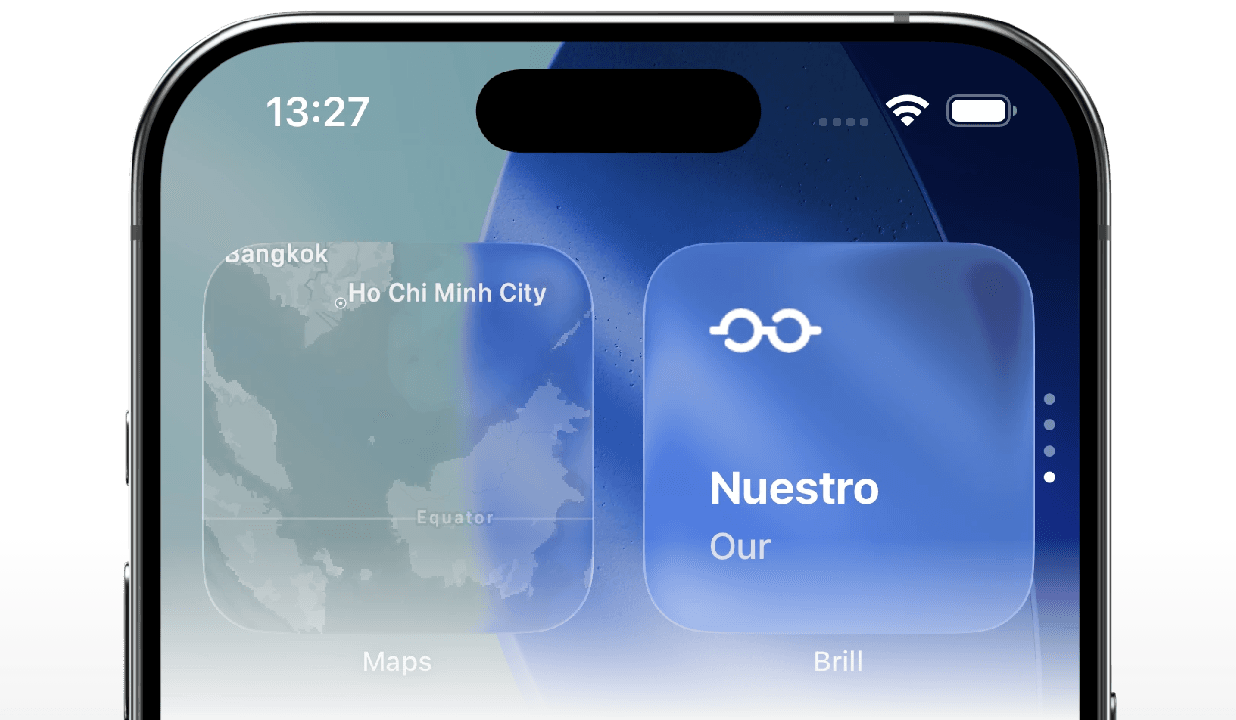
Brill and Lingo Widget are both built on the same idea: put vocabulary on your iPhone Home Screen and Lock Screen so you learn by glancing at your phone. Because they look similar at first, it helps to compare the details. This guide uses each app's own App Store listing and website, and focuses on the differences that matter day to day.
What both apps do
Both apps show a word, its translation and a pronunciation hint in a widget. Both work on the Home Screen and the Lock Screen, both let you hear the word, and neither requires you to open the app to learn. If you are new to the idea, our guide on learning a language with iPhone widgets explains how it works.
Lingo Widget at a glance
According to its App Store listing and website, Lingo Widget offers:
Small, medium and large Home Screen widgets, plus Lock Screen widgets.
31 languages, which you can learn from and into in either direction.
AI personalization based on your interests and goals, such as travel, food or work.
Example sentences and romanization for non-Latin scripts.
Marking words as Learning, Almost or Learned on the large widget.
Automatic refresh every 4, 8, 12 or 24 hours.
Custom word lists ("My Lists"), added in a recent update.
Premium features including pronunciation audio and unlimited word refreshes.
The App Store lists several Lingo Premium options, including weekly, monthly, yearly and lifetime purchases. At the time of writing these included $4.99 per week, $14.99 per month, yearly plans from $49.99 and a lifetime option, but prices can change, so check the listing.
Brill at a glance
37 languages, including Hokkien, Cantonese, Mongolian, Lao, Khmer, Tamil, Afrikaans, Malay and Hebrew.
Pronunciation guides and audio for words.
A dedicated phrases widget for common phrases.
A word detail sheet in the app.
A daily reminder you can turn on.
Light, dark and clear widget styles.
Pro word cycling every day, every hour or every 15 minutes, plus a button to cycle to the next word.
Pro custom words and phrases, tag filters, the Lock Screen widget and the full list of up to 1,500 words per language.
An option to blur the English meaning and tap to reveal it, so the widget can quiz you.
The free plan includes the first 365 words per language with daily updates, pronunciations and audio playback. Brill Pro costs $2.99 a month or $24.99 a year, with a 7-day free trial on the annual plan.
Key differences
Languages
Lingo Widget covers 31 languages and lets you pick any pair, which is useful if your native language is not English. Brill covers 37 languages and currently shows meanings in English. If you want Hokkien, Cantonese, Lao, Khmer, Mongolian or Tamil, Brill includes them. If you want Czech, Finnish or Slovak, Lingo Widget lists those.
How often the word changes
Lingo Widget refreshes every 4 to 24 hours. Brill Pro can cycle as often as every 15 minutes, or hourly, which means many more words in front of you each day. If you prefer one word to sit for a whole day, both apps can do that.
Audio
Lingo Widget lists pronunciation audio as a Premium feature. Brill includes pronunciations and audio playback on the free plan.
Choosing your own words
Both apps now support your own vocabulary. Lingo Widget has My Lists. Brill Pro lets you add custom words and phrases and filter the built-in list by tags, so you can focus on topics you care about.
Price
Brill Pro is $2.99 a month or $24.99 a year. Lingo Widget's listed Premium plans are priced higher per month and per year, and it also offers a lifetime purchase. If you dislike subscriptions, a lifetime option may appeal to you. If you want the lowest yearly cost, Brill is cheaper.
Which one should you choose?
Pick Lingo Widget if your native language is not English, or if you want AI-selected words based on your interests.
Pick Brill if you want more languages, free audio, faster word cycling, a phrases widget and a lower subscription price.
Both apps are free to try, so the simplest test is to install each one, add the widget and see which you glance at more. You can download Brill on the App Store and have a word on your Home Screen in under a minute.
Learn a word every time you check your phone
Brill puts a new word on your iPhone Home Screen in 37 languages, with pronunciation and audio. Free to start.