Brill vs Duolingo: Which Language App Fits Your Day?
Duolingo and Brill both help you learn a language on your phone, but they ask for very different things. Duolingo asks you to open the app and complete a lesson. Brill puts a word on your Home Screen and Lock Screen so you learn while you check the time. This guide compares the two honestly, so you can pick the one that fits your day, or use both.
The short answer
Choose Duolingo if you want a structured course with grammar, sentences, speaking and listening exercises, and game-style motivation like streaks and leaderboards.
Choose Brill if you want to build vocabulary without setting time aside, through a widget you see dozens of times a day.
Use both if you already do Duolingo lessons and want the words to stick between sessions.
How Duolingo works
Duolingo describes itself on the App Store as a free app for learning 40+ languages through quick, bite-sized lessons. Lessons mix speaking, reading, listening and writing, and the app uses rewards, achievements and leaderboards to keep you practising every day. Every course is free, and the paid tier, Super Duolingo, removes ads and adds perks like unlimited energy. Duolingo also offers courses in chess, math and music.
The strength of this approach is structure. You follow a path, you see your progress, and you practise full sentences rather than isolated words. The trade-off is that it only works when you open the app and give it a few minutes of focused attention.
How Brill works
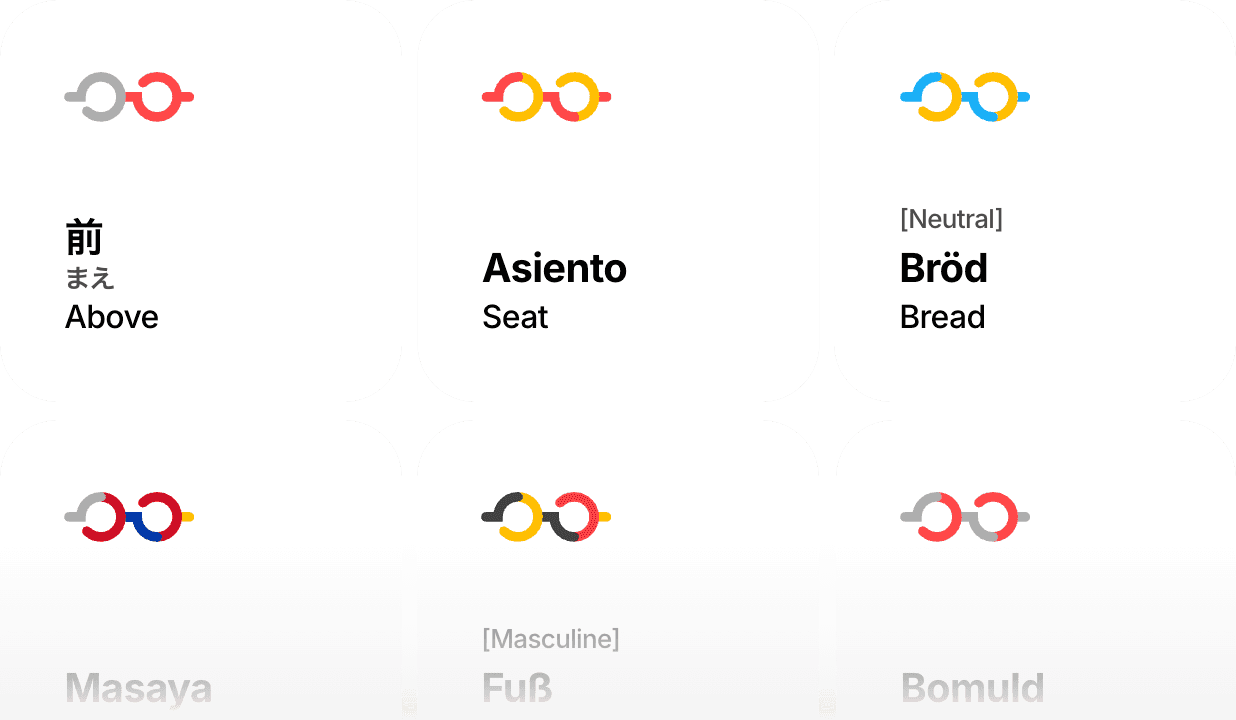
Brill is an iOS widget app. You pick a language, add the Brill widget to your Home Screen, and a new word appears with its meaning and a pronunciation guide. You do not need to open anything. Every time you unlock your phone, the word is there.
37 languages, including Japanese, Korean, Mandarin, Cantonese, Hokkien, Thai, Vietnamese, Arabic, Hindi and many more.
Pronunciation guides and audio, so you can hear each word, not just read it.
A phrases widget for common phrases, alongside the word widget.
A word detail sheet in the app when you want to look at a word more closely.
A daily reminder you can opt into.
The free version gives you the first 365 words per language, with the widget updating daily. Brill Pro adds the full word list (up to 1,500 words per language), the Lock Screen widget, faster word cycling (daily, hourly or every 15 minutes), custom words and phrases, tag filters, and an option to blur the English meaning so you can test yourself. Pro costs $2.99 a month or $24.99 a year, and the annual plan includes a 7-day free trial.
Side-by-side comparison
Format: Duolingo is lesson based. Brill is widget based and works without opening the app.
Time needed: Duolingo needs a few focused minutes per lesson. Brill needs a glance.
What you practise: Duolingo covers grammar, sentences, listening and speaking. Brill focuses on vocabulary, pronunciation and common phrases.
Motivation: Duolingo uses streaks, leaderboards and rewards. Brill relies on repetition you do not have to remember to do.
Languages: Duolingo lists 40+ languages. Brill supports 37, including several Asian languages such as Hokkien, Lao, Khmer and Mongolian.
Price: Both have a free tier. Brill Pro is $2.99 a month or $24.99 a year. Super Duolingo has several plans, so check its App Store listing for current prices in your region.
Where Duolingo is the better choice
If you are starting from zero and want to understand how a language fits together, Duolingo's structured path is hard to beat. It teaches you sentence patterns and grammar that a widget cannot. If you enjoy a game-like streak and want to practise speaking, it is the more complete tool.
Where Brill is the better choice
Many people start a language app and stop after a few weeks because life gets busy. Brill is built for that reality. Because the word sits on your Home Screen, you keep seeing new vocabulary on days you would never open a lesson. Seeing a word many times across a day is a simple way to make it familiar, which we cover in more depth in how passive learning helps you memorize words.
Brill is also a good fit if you want to choose your own vocabulary. Pro lets you add your own words and phrases, so you can learn the words from your class, your trip or your job.
Using Brill and Duolingo together
The two apps do not compete for the same minutes. A practical routine is to do your Duolingo lesson once a day, then let Brill keep vocabulary in front of you for the rest of it. If Duolingo introduces a word you keep forgetting, add it as a custom word in Brill Pro and you will see it again on your Home Screen.
The bottom line
Duolingo is a course. Brill is a habit that happens on its own. If you want structure and grammar, start with Duolingo. If you want vocabulary that sticks without carving out time, download Brill for iPhone and add the widget to your Home Screen. Many learners get the most out of using both.
Learn a word every time you check your phone
Brill puts a new word on your iPhone Home Screen in 37 languages, with pronunciation and audio. Free to start.